Real cases · 3D viewer
Handle the cases as you would on the planning workstation.
Each case is displayed from its manufacturing files, in millimetres, with the implant in its planned position. Cut, measure, remove the bone: the viewer runs in the browser, with nothing to install.
- Cases
- 5
- Unit
- mm
- Skull
- 3 cases
- Orbit
- 2 cases
Case index
Values measured on the meshes; mass calculated for Ti-6Al-4V (4.43 g/cm³).
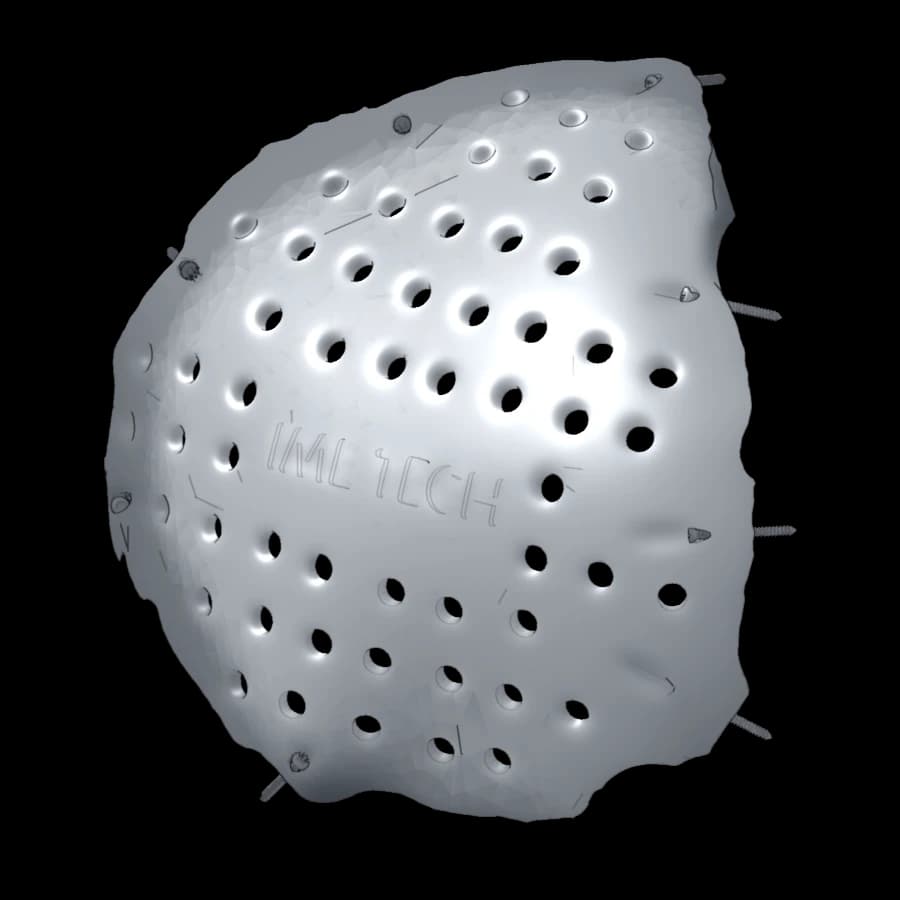 01Cranial vaultLeft fronto-temporo-parietal cranioplastyLarge vault defect, peripheral fixation with 8 screws107 × 107 × 32 mmth. ≈ 2.9 mm · with screws≈ 125 g
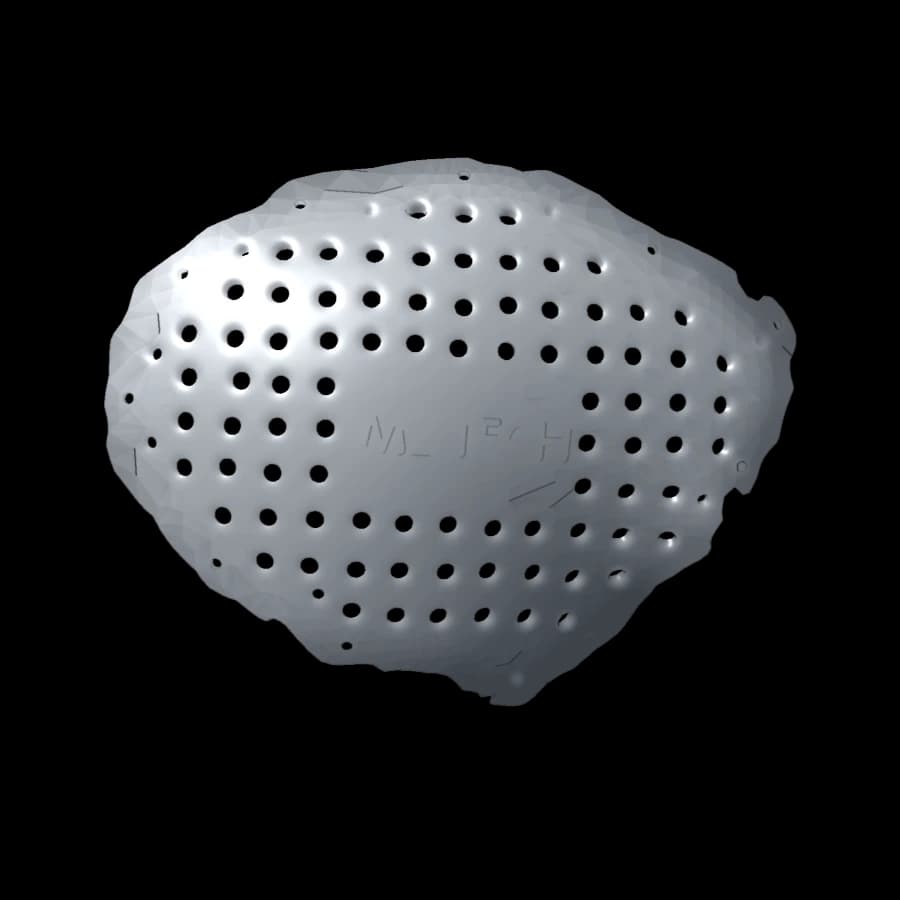 02Cranial vaultFronto-temporo-parietal cranioplastyExtensive lateral vault defect154 × 119 × 53 mmth. ≈ 2.1 mm≈ 142 g
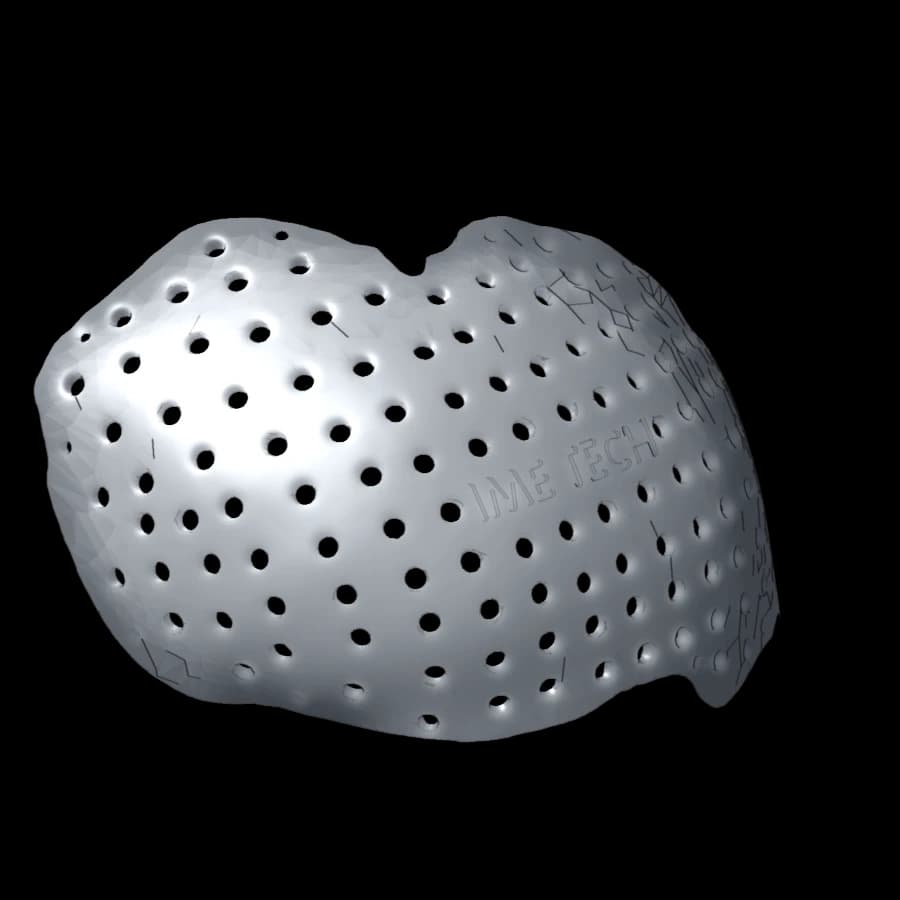 03Cranial vaultBifrontal cranioplastyFrontal defect crossing the midline130 × 102 × 88 mmth. ≈ 2.5 mm≈ 156 g
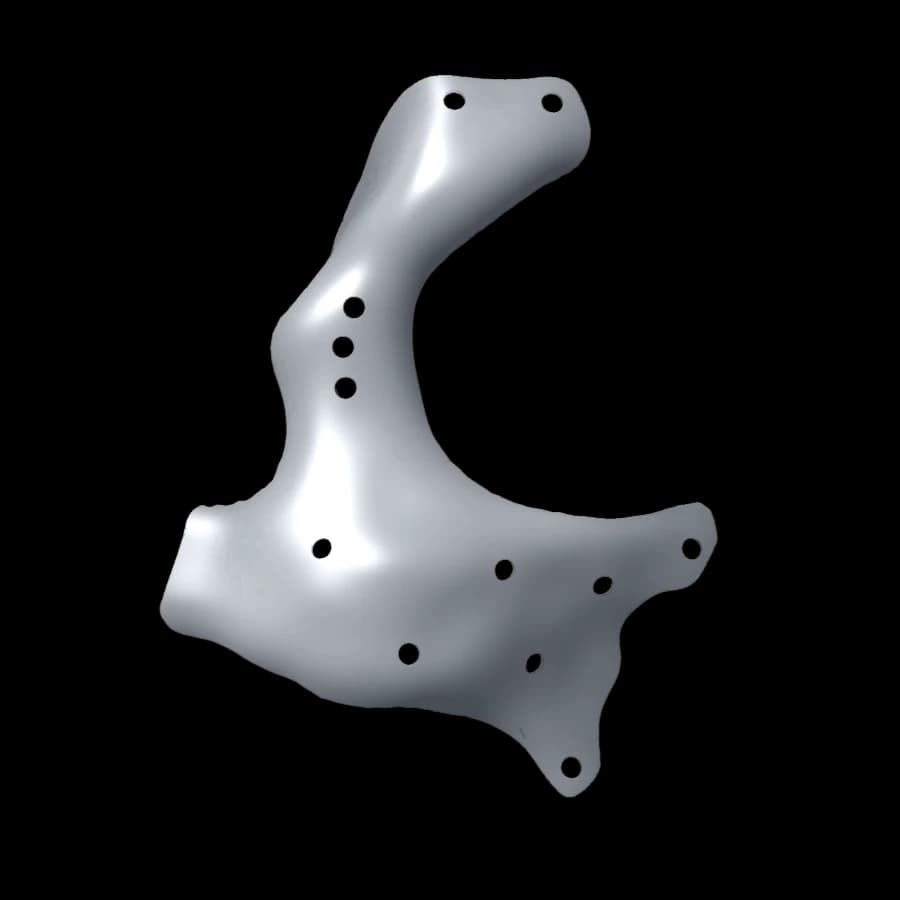 04Orbit and zygomaOrbitozygomatic reconstructionFloor, lateral rim and body of the zygoma40 × 38 × 64 mmth. ≈ 0.45 mm≈ 5 g
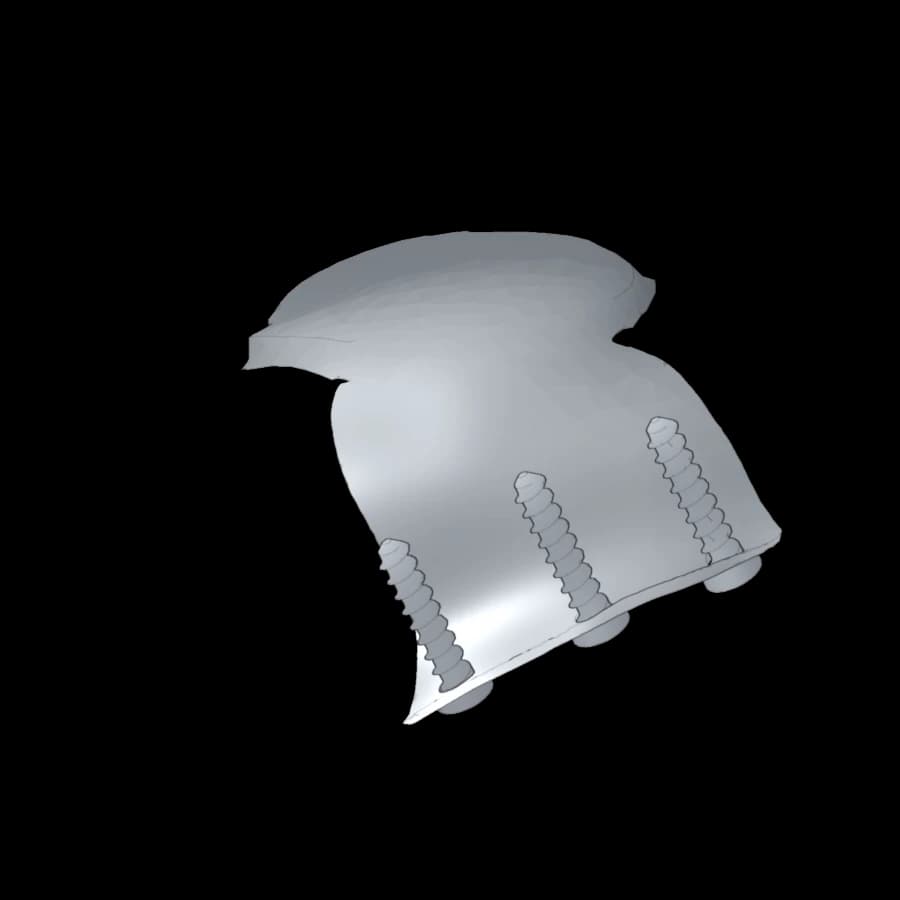 05Orbital roofOrbital roof reconstructionOculoplastic surgery, fixation on the superior rim28 × 21 × 12 mmth. ≈ 0.6 mm · with screws≈ 1.2 g
The viewer
The tools of a planning review
The same steps as when approving a design: check the bearing on the bone edge, follow a screw’s path, check a thickness. The models are simplified for the web; the reference dimensions are those of the design file.
Section plane
Sagittal, coronal or axial, moved in half-millimetre steps. The implant section appears in blue, the bone section in ochre.
Measurement
Two clicks on bone, implant or screw: distance in millimetres, on the manufacturing meshes.
Layers
Bone, implant and screws shown separately; transparent bone to see the fixation.
Views and removal
Preset anatomical views, orientation indicator, implant moved away to read the defect.